Product · LohnCC
Chat, calls and teamwork for your organization
LohnCC brings your organization's people together in one app: chats and groups, calls, announcements everyone confirms, departments and teams, and requests that need someone's OK. In Lao and English, in a web browser on a phone or a computer.
Free during the beta · joining is by invitation
What it does
Everything your team talks about, in one place
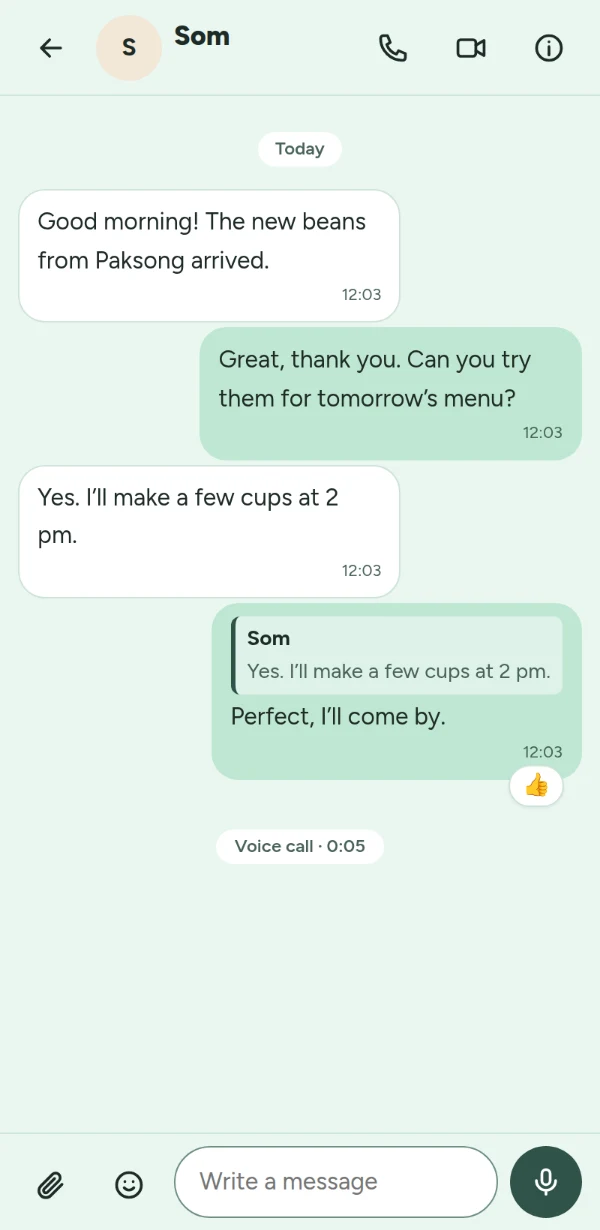
Chats and groups
Direct chats and groups of up to 200 people, with replies, reactions, photos, files, voice messages and videos. Messages are encrypted on the way and stored encrypted on the server.
Calls
Voice and video calls with up to 5 people, screen sharing from a computer, and a list of your calls with the missed ones counted.
Your organization's space
Everyone in the organization can chat and call without swapping contacts: an Everyone channel, and a chat for each department and team.
Announcements people confirm
Mark a message Important so it reaches people who muted the channel, ask for “Got it”, pin it at the top, and see who hasn't read it yet.
Requests and approvals
Purchases, days off and sign-offs go through the steps you set: team lead, line manager, owner and admins, or a named person, with amount limits.
Safety built in
Joining is by invitation. People you don't know send a message request first; anyone can block or report, and a space's admins review reports about its chats.
See it
Real screens, on a phone
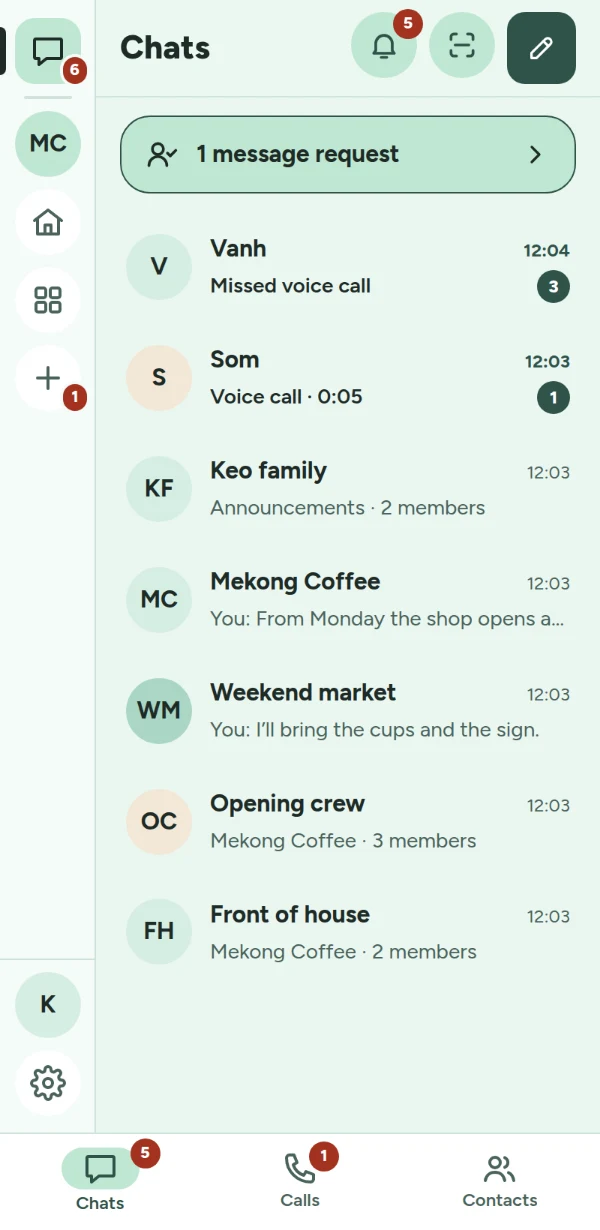
Chats: people, groups, and your organization's channels. On the left, the rail with each space. 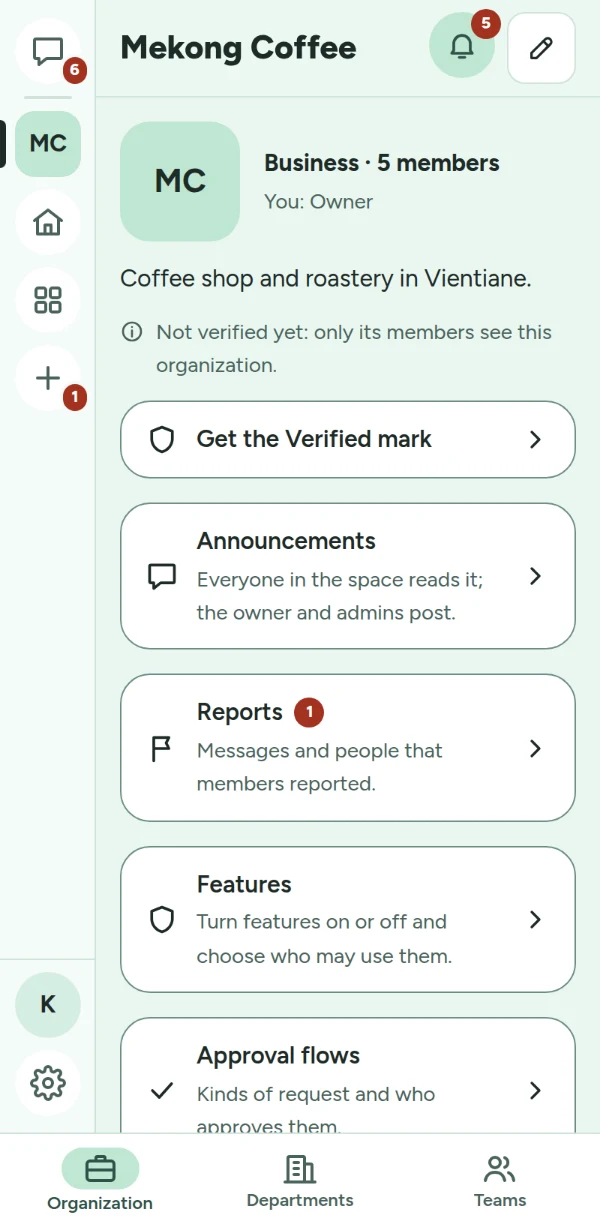
Your organization's page, with Organization, Departments and Teams at the bottom. 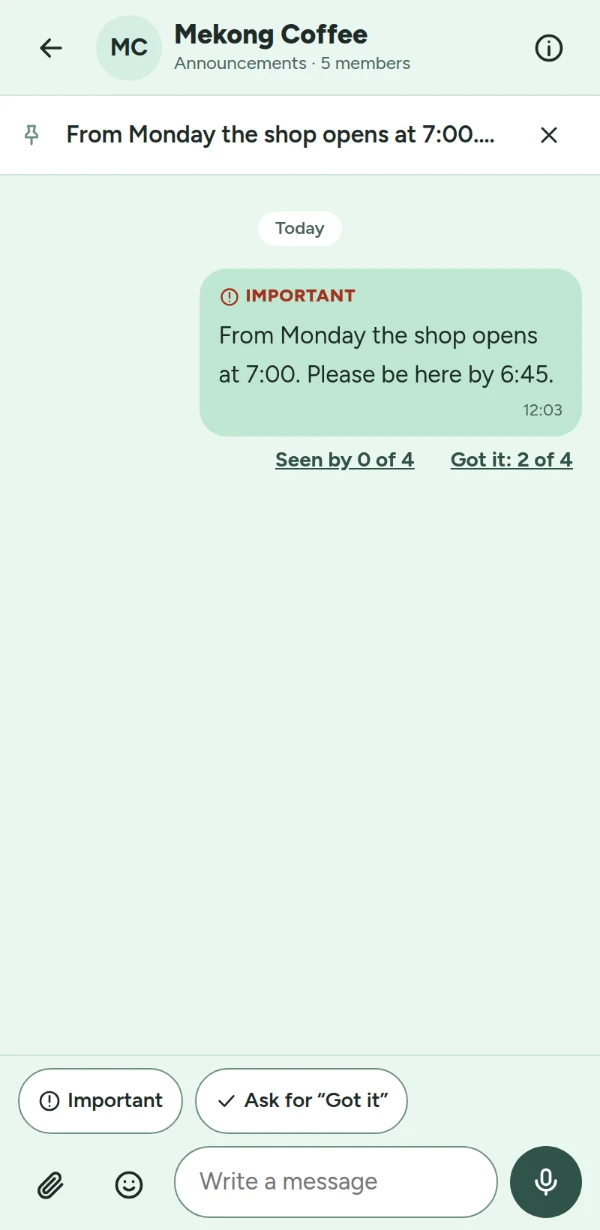
An Important announcement, pinned, with who confirmed “Got it”. 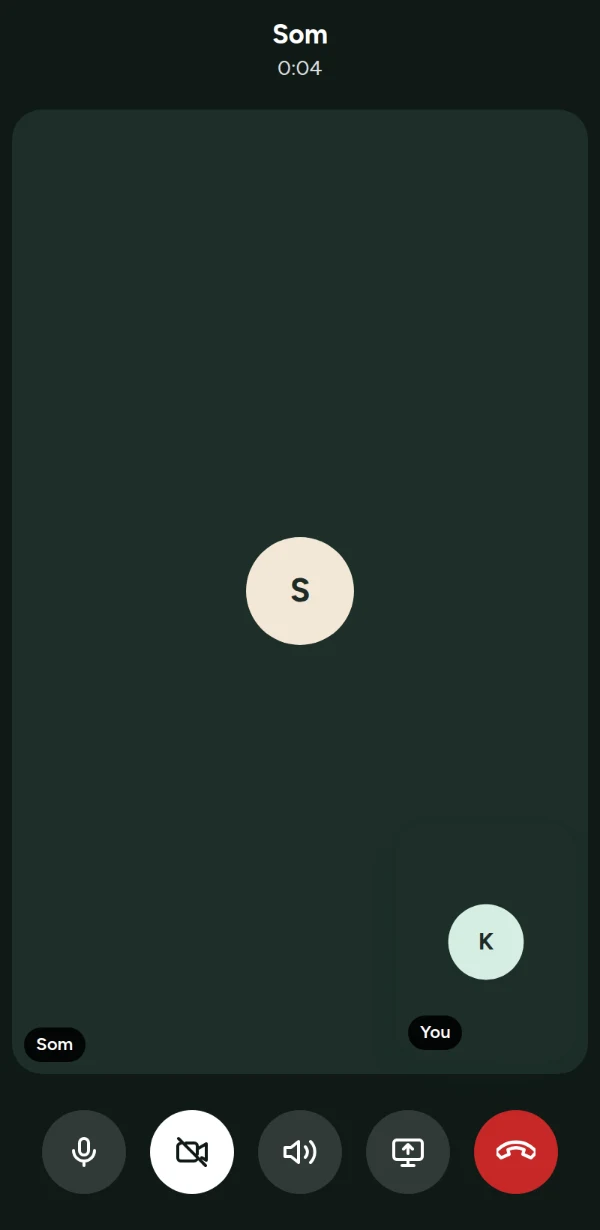
A voice call: turn the camera on, choose the sound output, share the screen.
Screenshots of the app with test data: the people and places in them are made up.
Who it's for
Organizations, schools and families in Laos
LohnCC is for organizations in Laos that want their people’s work chat in one place: businesses, non-profits, government offices, hospitals and clinics, schools and families.
In a school, everyone is a teacher, staff or a student, with classes and a staff room; students see only their teachers, the staff and their classmates. A family gets its own space and a family tree.
LohnCC runs at app.lohn.cc. An organization can also run it on its own server, in its office or a data centre, with a license from Vangera Systems; its people keep their one LohnCC account. Vangera’s other apps, such as Vangera Flow and Vangera HR, sign people in with that same account.
How to start
From asking to your first chat
Ask to join
Send the form below with your organization's name. During the beta, LohnCC is by invitation only.
Get your invitation
I send you an invitation link. Sign up with your name, a username and a password, in Lao or English.
Create your organization
In LohnCC, choose + Add a space, then New organization. You become its owner.
Bring your people in
Invite them by username, or share the organization's join link or QR code and approve each person who asks.
Ask to join the beta
LohnCC is free during the beta. Tell me about your organization and how many people would use it; I'll reply by email. Or write to info@vangera.systems.